No. 02 / Front-end Development · UI/UX · Product Design
WorkInProcess
A browser studio for images. Nothing uploads.
Credits
- Year
- 2026
- Role
- Designer & Developer
- Client
- Personal project
- Tools
- Figma · Vanilla JS · Vite · Tailwind v4 · ONNX Runtime · WebGPU · Cloudflare Pages


Brief
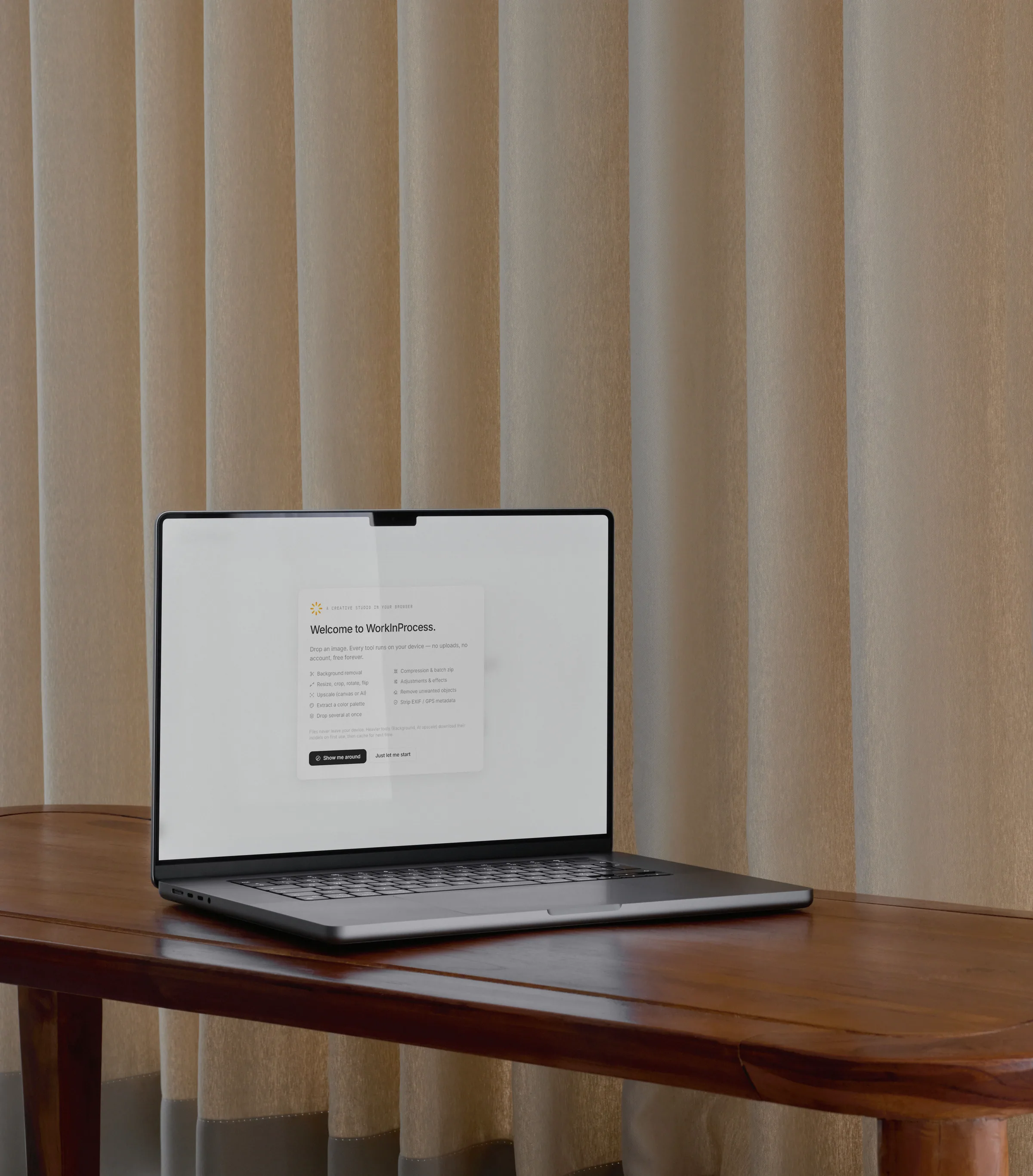
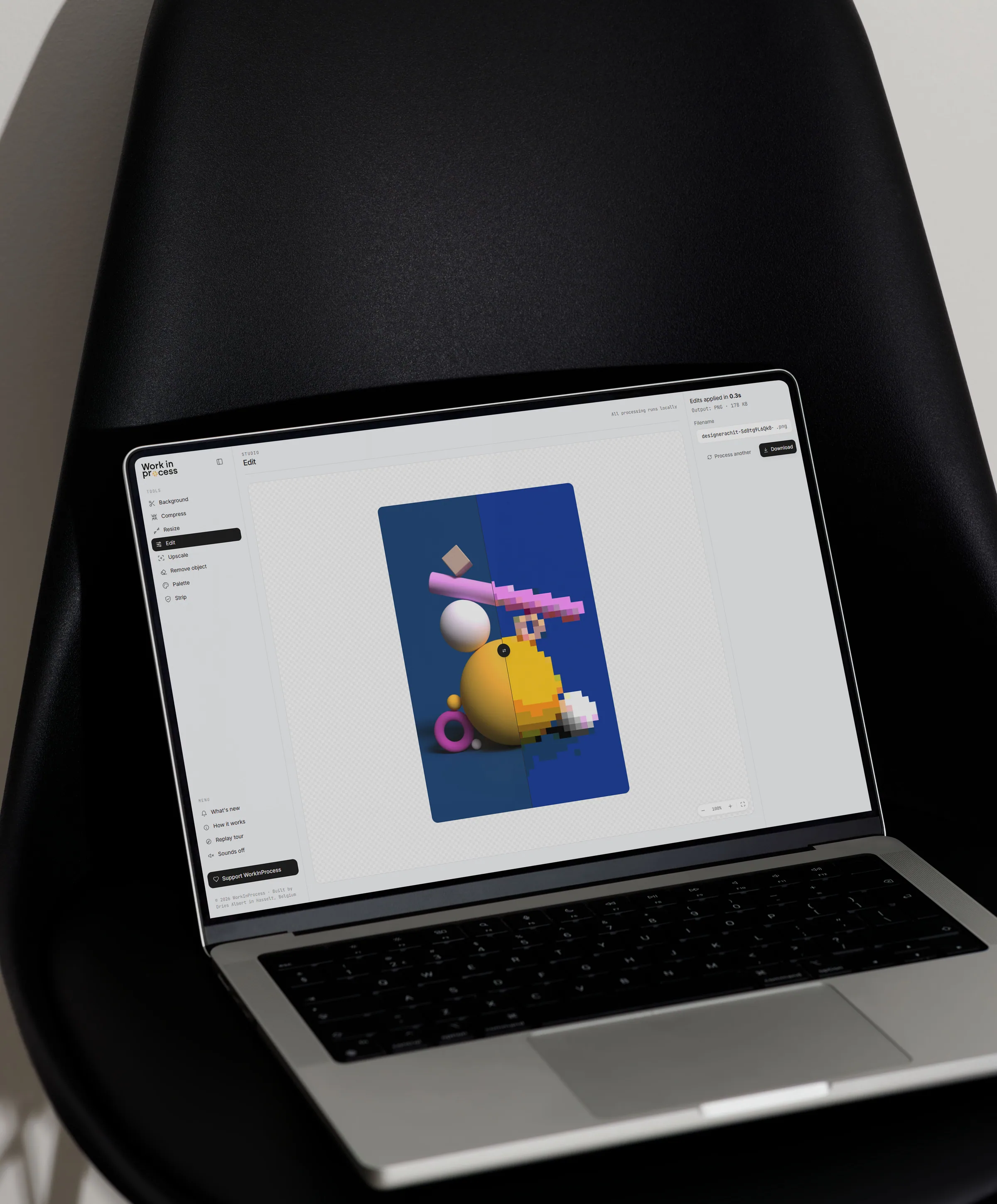
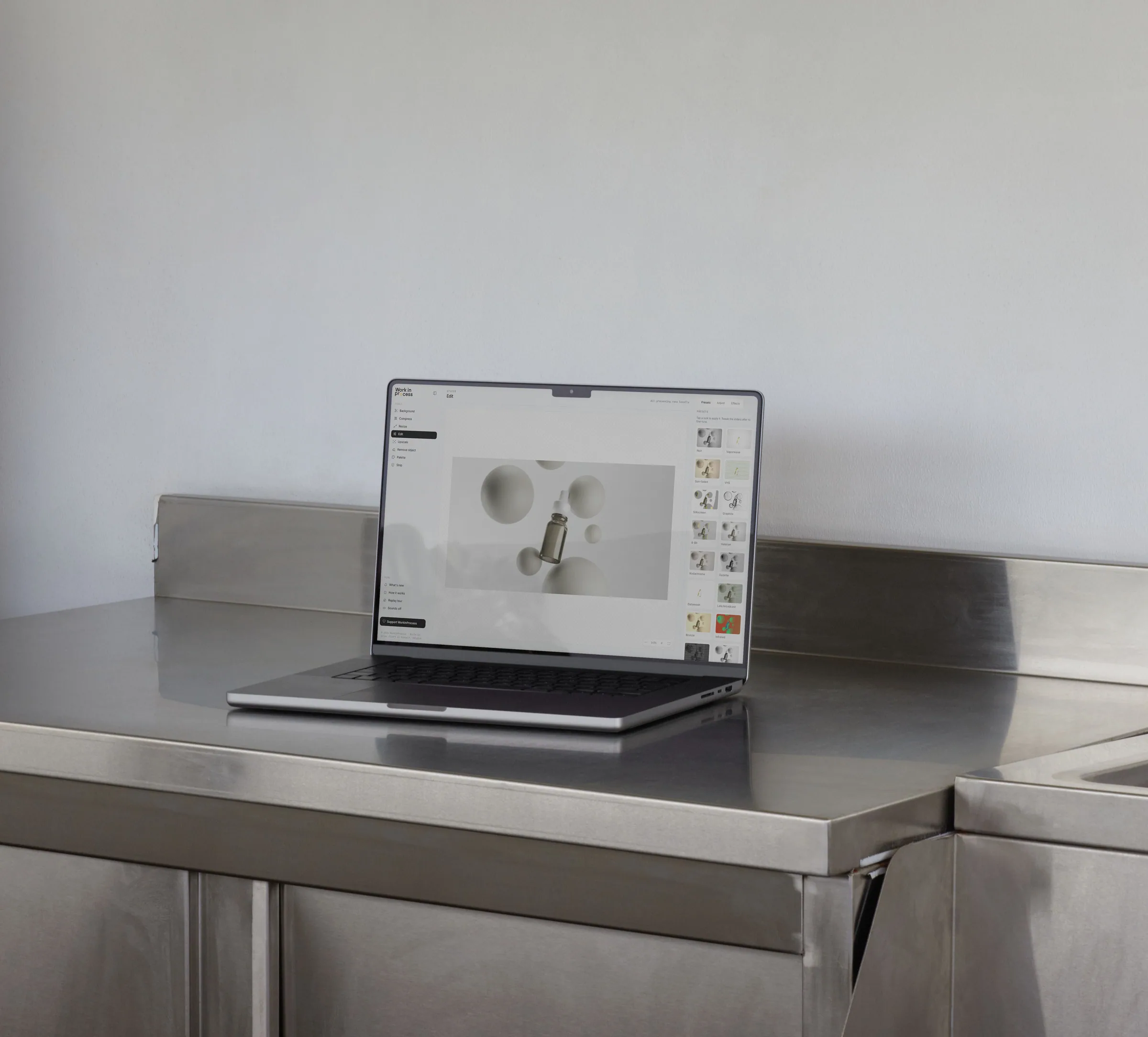
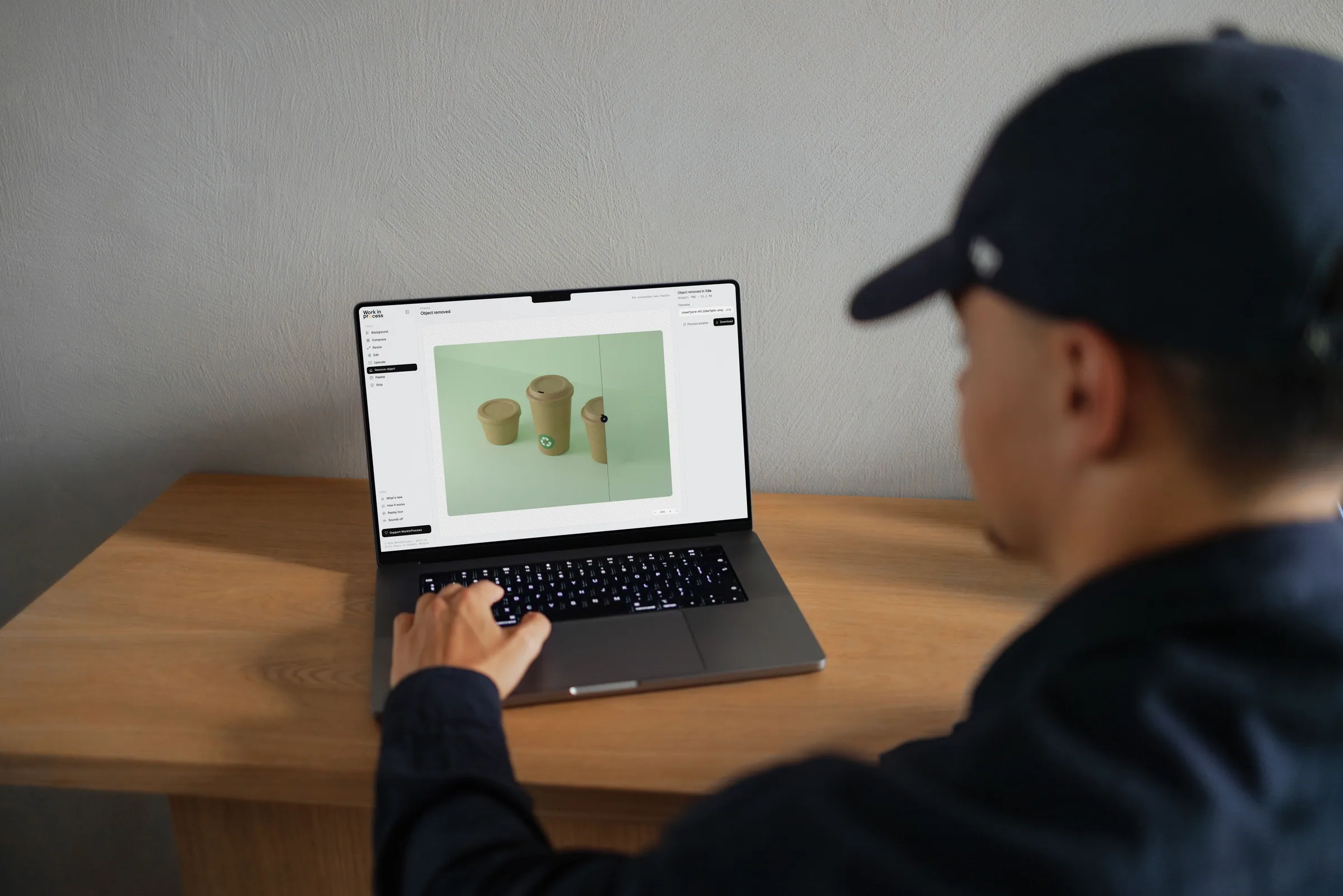
WorkInProcess is a free image studio that runs entirely inside your browser tab. It can remove backgrounds, erase unwanted objects with AI, upscale photos, compress and convert files, strip hidden metadata, pull color palettes, and apply over 15 creative effects — all without uploading a single file. No accounts, no subscriptions, no watermarks.
Most image tools online follow the same pattern: drop a file in, wait for the upload, sign in to get the result, accept a watermark if you don't pay. I wanted to flip that. With WorkInProcess, your image never leaves your device. The AI models, the processing, and the export all run locally in the browser. Privacy isn't a feature bolted on top — it's how the whole thing is built.
Making that work meant solving a few interesting problems. The AI object-removal model alone is around 27 MB, larger than the host platform allows in a single file, so I split it into smaller pieces at build time and reassembled them on the fly when a user opens the tool. The heavier AI libraries only load when someone actually needs them, keeping the initial page weight under 200 KB. No framework, no backend, no analytics tied to your files — just vanilla JavaScript and a deliberate, near-monochrome interface that lets the user's image be the only real color on the page.
Next →
Katoen Natie × Helen of Troy